Audit Log and Syslog (SIEM) Forwarding
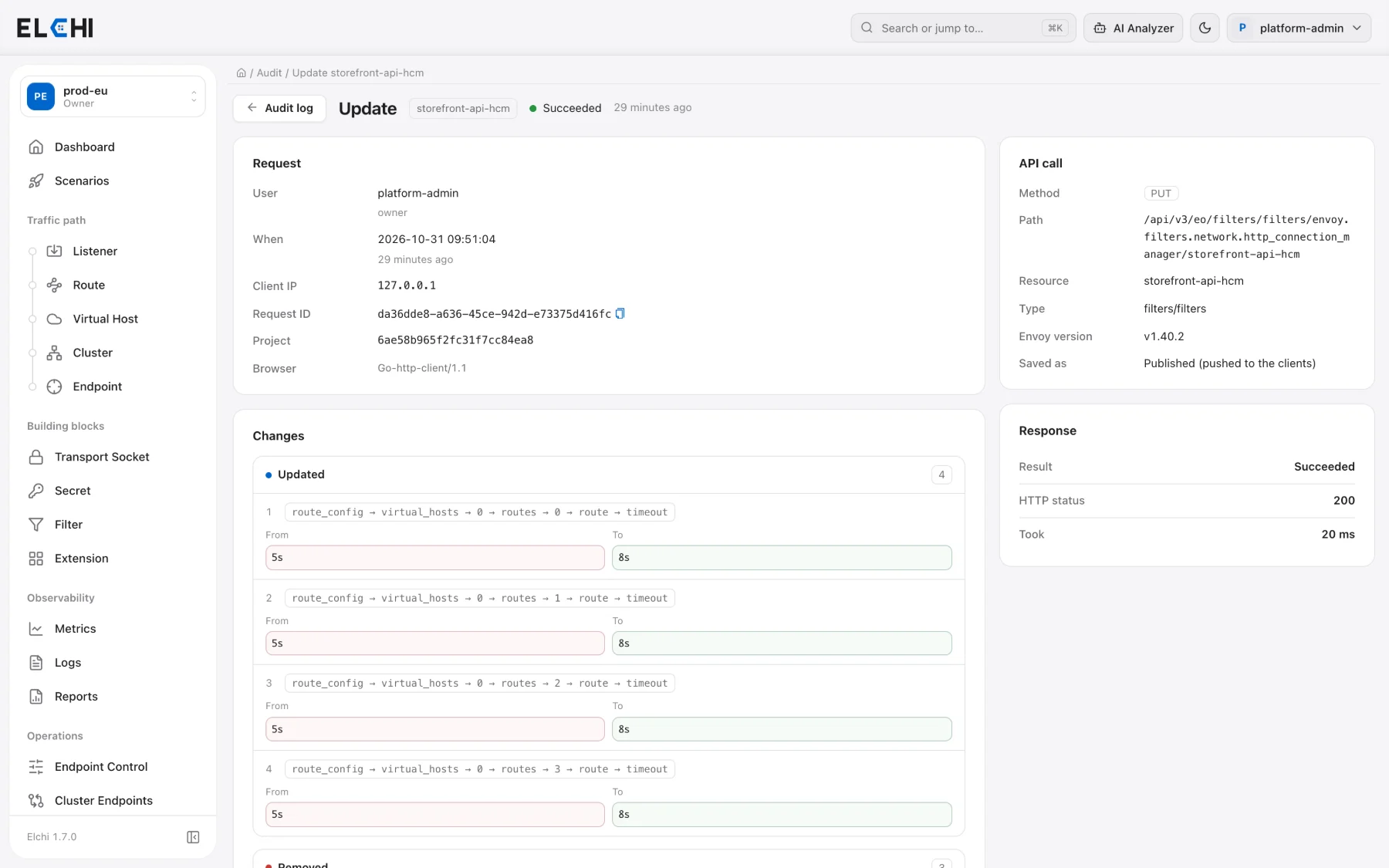
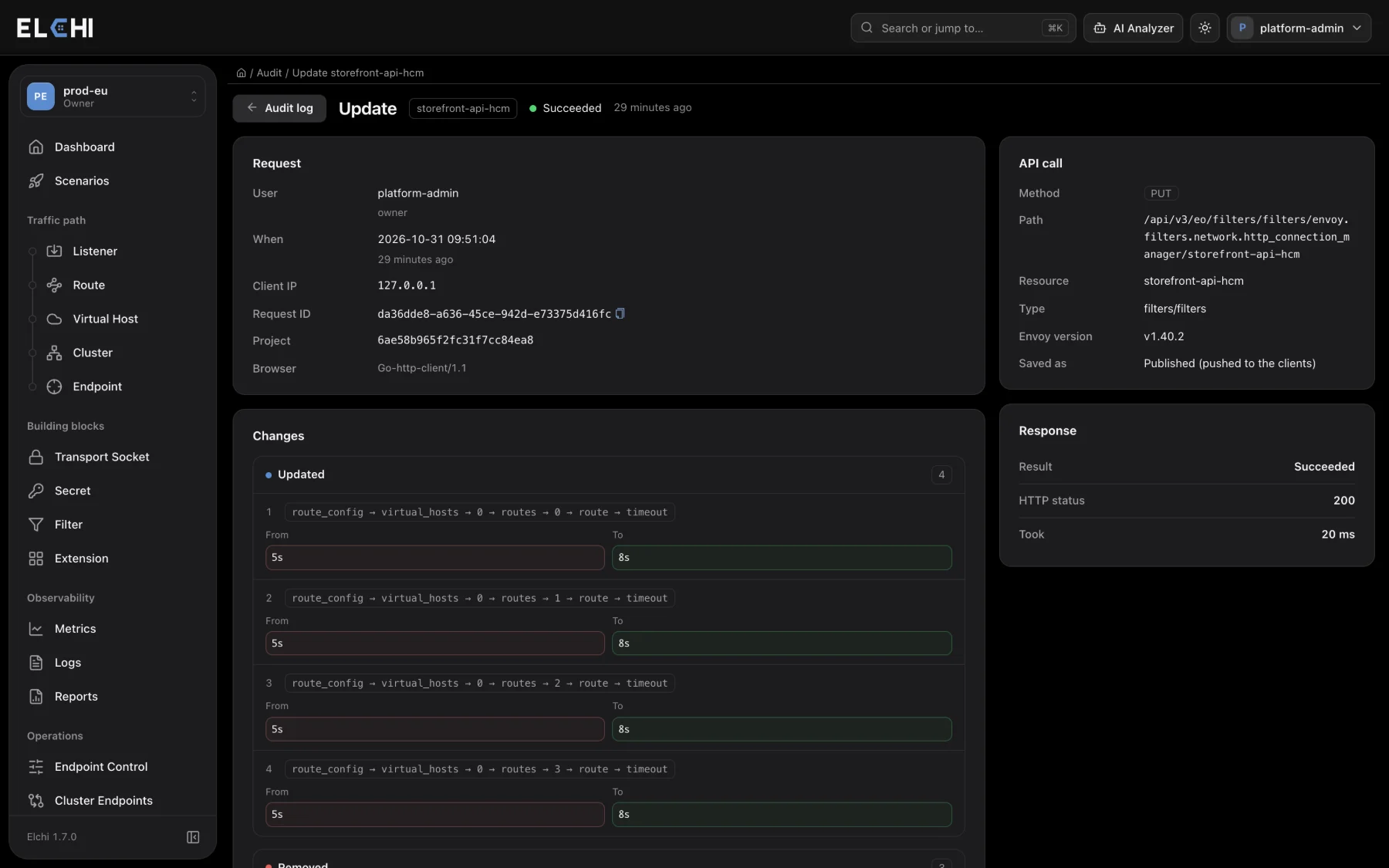
Every user action and configuration change in Elchi is recorded in an audit trail stored in MongoDB (audit_logs). You browse it under Audit, and you can forward every new entry to an external syslog receiver or SIEM from Settings → Audit Forwarding. Both are restricted to the Owner and Admin roles.
This trail covers what people (and agents acting for them) did to the platform. Requests that Shield blocked or flagged at the edge are a separate audit stream in ClickHouse, covered in Shield Observability.
What gets recorded
Each entry records who acted (user, role), what they did (action), on which resource (type, ID, name), in which project, the HTTP method and path, the client IP, the result (success or failure, with the status and error) and how long it took. Changes carry the before/after detail.
Actions you can filter on include creating, updating and deleting resources; deploying and undeploying; service start, stop, restart and reload on clients; scenario runs; Envoy version changes; BGP/FRR changes sent to a client; and state-changing Envoy admin calls (such as setting a log level). Read-only BGP queries and read-only Envoy admin calls are not audited. Endpoint address changes made by the Kubernetes discovery agent are audited too, with the IPs before and after.
Browsing the audit trail
The Audit page opens with an overview of recent activity and a table of entries with When, User, Action, Resource, Path, Result and Took columns. Filter by user, action and date range, then open an entry for its request detail and the field-level diff of what changed.
The API behind the page is GET /api/v3/audit/logs (list), GET /api/v3/audit/logs/{id} (one entry) and GET /api/v3/audit/stats (the overview).
Forwarding to a SIEM
Under Settings → Audit Forwarding (Audit log forwarding (Syslog / SIEM)), switch on Enable forwarding and set:
| Field | Values | Notes |
|---|---|---|
| Protocol | UDP, TCP, TCP + TLS | TCP is the default. |
| Host, Port | receiver address, 1–65535 | Required when forwarding is enabled. |
| CA Certificate | PEM | TCP + TLS only. Verifies the receiver's certificate; TLS 1.2 or newer. |
| Use client certificate (mTLS) | client certificate + key (PEM) | TCP + TLS only. Certificate and key must be given together. |
| Facility (Advanced) | local0 … local7 | Default local0. |
| Tag (APP-NAME) (Advanced) | up to 48 printable ASCII characters, no spaces | Default elchi-audit. |
| Queue size (Advanced) | entries | Default 10,000, at most 100,000. |
| Connect timeout (ms), Write timeout (ms) (Advanced) | milliseconds | Defaults 5,000 and 10,000. |
Click Test connection to send a synthetic test message (action SYSLOG_TEST) to the receiver before you save. The test runs from one controller pod, so if your controllers run on several hosts with different network access, make sure each of them can reach the receiver. Saved certificates and keys are never shown again; the form reports only that they are present, and leaving them blank on a later save keeps the stored ones.
Forwarding is global: one configuration covers the audit entries of every project. Controllers re-read it every 30 seconds, so a change takes effect without a restart.
Message format
Each audit entry becomes one RFC5424 message. Over TCP and TLS, messages are separated by a newline (the framing rsyslog and syslog-ng expect); over UDP each message is one datagram.
<PRI>1 <timestamp> <controller-host> elchi-audit - elchi-audit [audit@elchi audit_id="…" action="…" actor="…" actor_role="…" resource_type="…" resource_name="…" outcome="success" project="…" method="…" path="…" client_ip="…" status="…"] <summary>
- APP-NAME and MSGID are both the tag (
elchi-auditby default); HOSTNAME is the controller host. - Severity is
info(6) for a successful action andwarning(4) for a failed one; the priority combines it with the facility, solocal0gives<134>and<132>. - The structured-data element
audit@elchicarries the fields:audit_id,action,actor,actor_id,actor_role,resource_type,resource_id,resource_name,outcome,project,method,path,client_ip,request_id,api_type, and when presentstatus,save_or_publishanderror. Empty fields are left out, and long values are truncated so a message stays within common receiver limits.
Delivery and backpressure
Forwarding is asynchronous and never slows down the action being audited. Entries wait in an in-memory queue; when the queue is full, the oldest entries are dropped to make room and the controller logs a warning with the number dropped (at most once a minute). A failed send closes the connection and the next entry reconnects. The audit trail in MongoDB is complete either way, so the Audit page remains the source of truth if the receiver was unreachable.
Related
- Security Overview: both audit trails in the wider security model.
- Settings Overview: where Audit Forwarding sits among the settings tabs.
- Service Logs: shipping edge-host logs, which is separate from the audit trail.
Video tutorial
Short, hands-on videos showing this feature working for real. English audio, English and Turkish subtitles. All video tutorials →