GSLB Overview
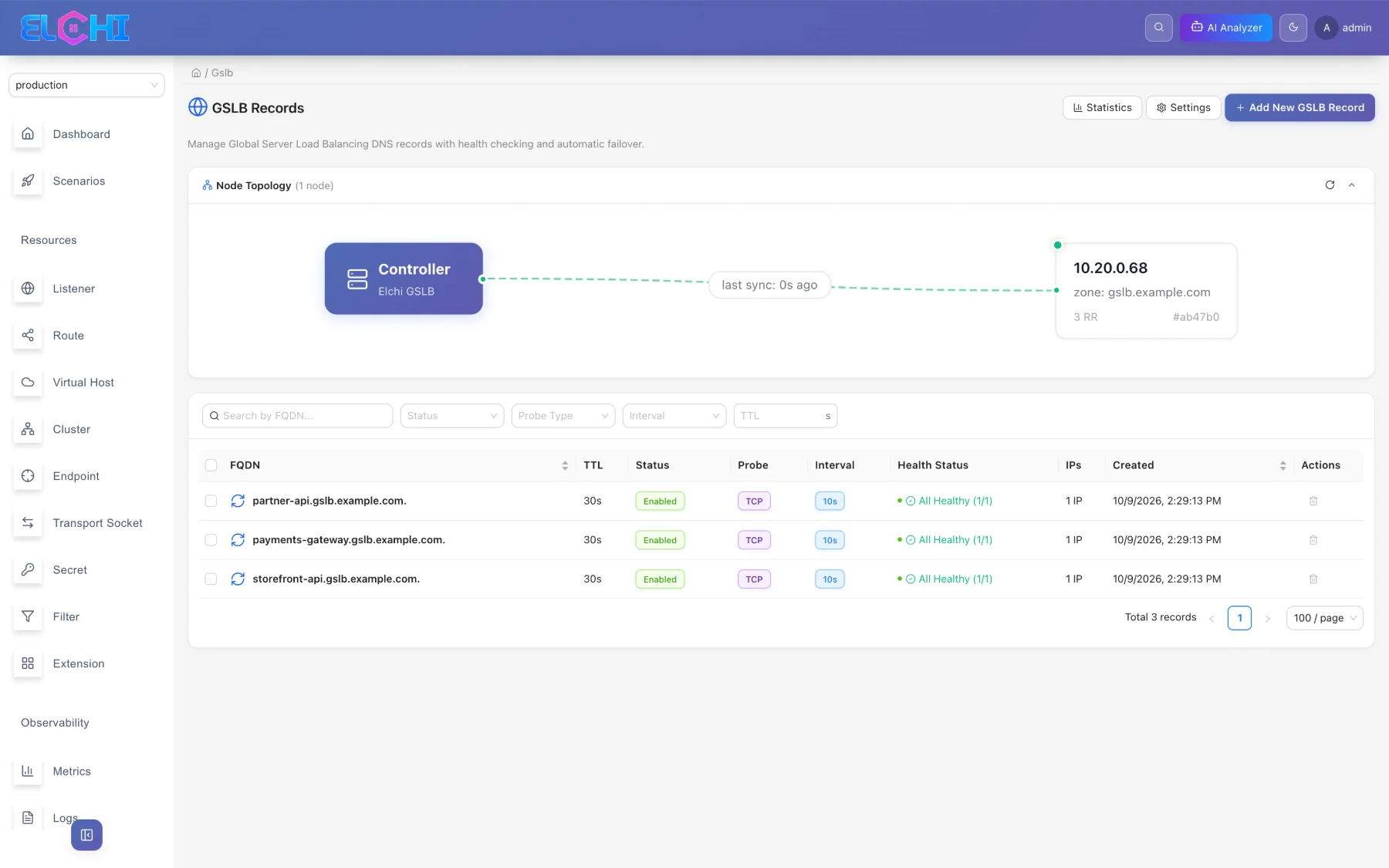
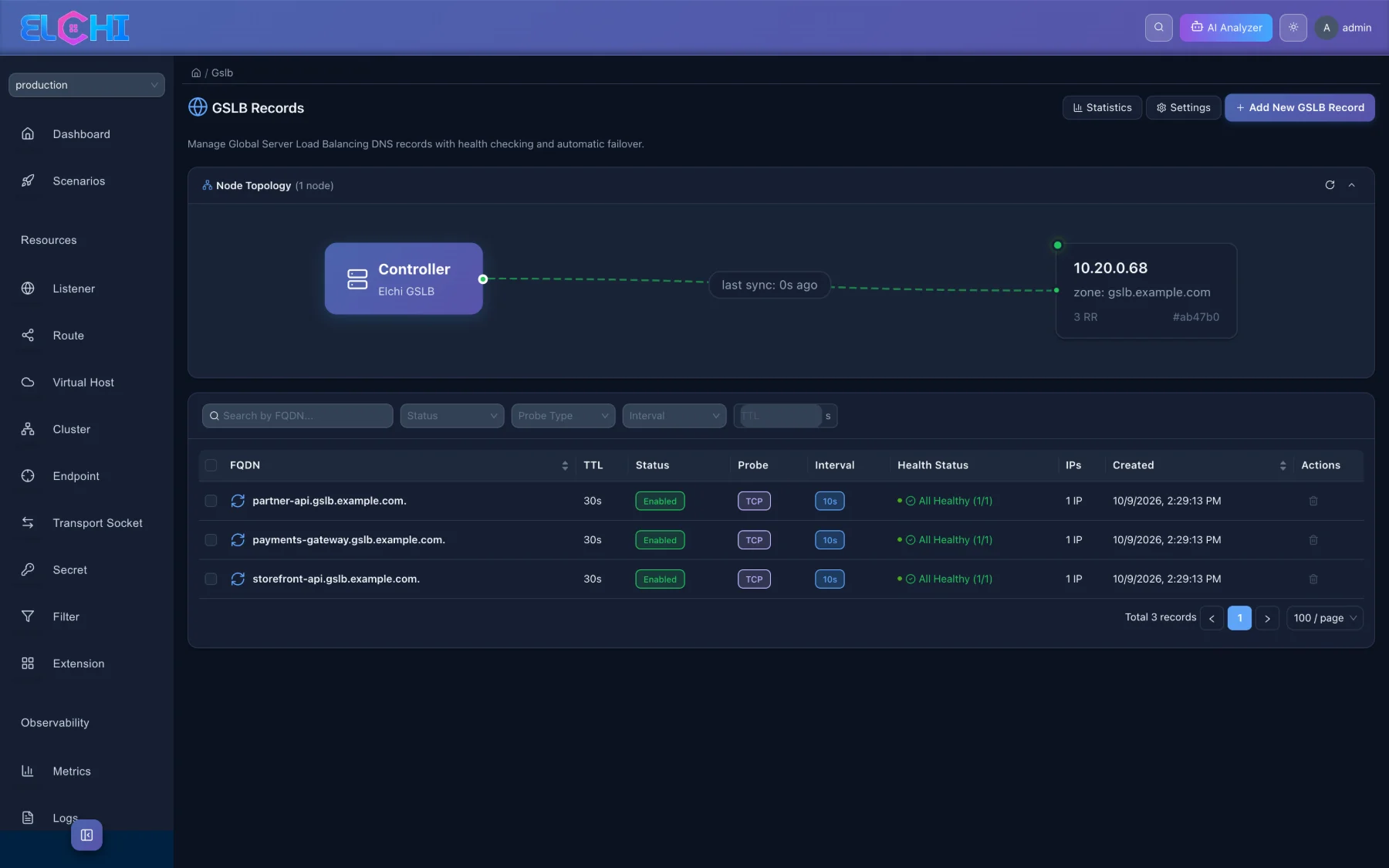
Global Server Load Balancing (GSLB) is Elchi's DNS-based traffic-steering layer. Instead of routing packets, GSLB decides which IP addresses a hostname resolves to and continuously prunes unhealthy endpoints from the answer. Elchi actively probes every IP behind a record, tracks its health, and serves only live targets — so clients are always steered to a reachable backend, across regions and data centers.
GSLB complements the in-path proxying done by Envoy and the WAF. It operates one level up, at name resolution: a client asks for api.global.example.com, and Elchi answers with the set of healthy IPs for that name.
How it fits together
GSLB has three moving parts:
- Records + IPs — the control-plane data model. A record maps an FQDN to a set of IPs; each IP carries a health state and optional region tags. Records live in the controller's MongoDB and are edited through the UI or the REST API.
- The health checker — a distributed prober inside the elchi-backend Controller. It runs HTTP, HTTPS, and TCP probes on a per-IP schedule, drives each IP through a quad-state health model, and writes state back to the database. Work is sharded across controllers so the system scales horizontally.
- elchi-coredns — a CoreDNS build with the Elchi GSLB plugin. It runs on each edge node and answers real DNS queries. It does not talk to MongoDB; instead it polls a DNS snapshot API on the Controller and caches the result, then serves it authoritatively for the zone.
        author records / IPs                probe results
  UI / REST ───────────────► Controller ◄───────── health checker
                             (MongoDB)                 │
                                 │ GET /dns/snapshot?zone=…
                                 │ (X-Elchi-Secret)
                                 ▼
                           elchi-coredns  ──► DNS answers (:53) ──► clients
                          (per edge node)
The snapshot the Controller hands to CoreDNS already has unhealthy IPs removed — the plugin never runs probes itself. It just serves whatever the Controller computed, with a per-record failover FQDN to fall back to when a record has zero healthy IPs.
The DNS snapshot API and zone auth
elchi-coredns consumes two endpoints on the Controller:
| Endpoint | Purpose |
|---|---|
GET /dns/snapshot?zone=<zone>&node_ip=<ip> | Full set of records for a zone. |
GET /dns/changes?zone=<zone>&since=<version_hash>&node_ip=<ip> | Incremental poll — returns 304 Not Modified when nothing changed, otherwise the full snapshot. |
Both are authenticated by a shared secret, not a JWT. The plugin sends it in the X-Elchi-Secret header, and the Controller validates it against the zone's configured dns_secret. This is the same secret you set under Settings → GSLB (or --gslb-secret at install time). Every response carries a version_hash (a SHA-256 of the sorted records) that the plugin echoes back as since= so polls are cheap when nothing has changed.
See Nodes & CoreDNS for the full API and node lifecycle.
Key concepts
| Concept | Meaning |
|---|---|
| Record | An FQDN (e.g. api.global.example.com.) plus a probe config and a set of IPs. Lives in the gslb_records collection. |
| IP health record | One IP under a record, with its own health state, backoff, and status history (gslb_ip_health). |
| Zone | The authoritative DNS domain GSLB answers for (e.g. global.example.com). Set per project under GSLB settings. |
| Failover zone | A backup zone. When a record has no healthy IPs, the snapshot returns a per-record failover FQDN in the failover zone instead. |
| Region | An optional geographic tag on an IP. CoreDNS can request a region-filtered snapshot so resolvers in a region get nearby IPs. |
| Health state | One of passing, warning, critical, recovery. Only passing and warning IPs appear in DNS answers. |
| Probe | The health check for a record: type (HTTP/HTTPS/TCP), interval, timeout, and thresholds. |
| GSLB node | A tracked elchi-coredns instance. The Controller records each node that polls the snapshot API (gslb_nodes). |
Manual vs. auto-created records
Records come from two sources:
- Manual (
service_id == "") — created through the GSLB UI or REST API. You have full control: add/remove IPs, override health, delete the record. - Auto-created (
service_id != "") — generated automatically when a client is deployed to a GSLB-enabled service. Their IPs are managed by deploy/undeploy operations and are protected from manual deletion, though you can still add manual backup IPs and override health states on them.
When to use GSLB
Reach for GSLB when you need:
- Multi-region / multi-datacenter steering — resolve a name to the nearest or healthiest region.
- Automatic DNS failover — pull a dead endpoint out of rotation without a human, and fall back to a failover FQDN when a whole record goes dark.
- Active health-aware DNS — answers reflect real probe results, not static records.
- Maintenance drains — force an IP out of rotation with a manual health override, then bring it back.
It is not a substitute for in-path load balancing. DNS steering is coarse-grained and subject to client/resolver caching (bounded by your record TTL). Pair GSLB with Envoy for connection-level balancing behind each resolved IP.
The elchi-coredns plugin and the GSLB zone are provisioned by the bare-metal installer (default-on, port 53 + a webhook on 8053). See the bare-metal overview for topology and flags, and set zone defaults under Settings → GSLB. The health checker itself runs inside the Controller and shards its work across controllers for HA — see Registry & HA.
Where to go next
- Records & IPs — create records, manage IPs, assign regions, override health.
- Health model — probe types, the quad-state model, and how state drives DNS.
- Nodes & CoreDNS — the snapshot API, node tracking, and notify operations.
- Statistics — probe metrics and what to monitor.